¶ Toolbox User Guide
Toolbox Module will contain the information received from Piers in the Piers Screen and some reports in the Reports Screen.
¶ Piers Screen
¶ Loading of the Page, Can you Count to 600?
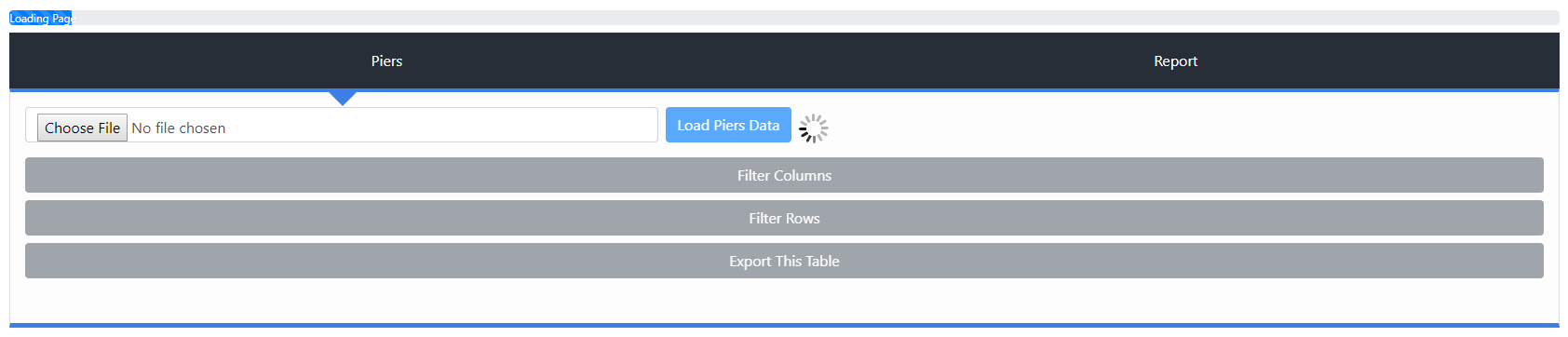
Loading of the page will take a while (I estimate 10-15 minutes when the Piers database reaches full capacity). I suggest opening the page at the beginning of your day and having it there for when you will need it.
Once you have loaded the page and need to use it, there are three buttons to worry about aside from the table itself.
¶ Filter the columns, Yes, but also No

This tab will enable the user to “Show” and “Hide” the columns in the table, however this will not actually remove the columns of the exported excel sheet. Eventually this will also affect the excel sheet itself so you can control which columns of data you want exported.
¶ Filter the Rows, Typos Unwelcome
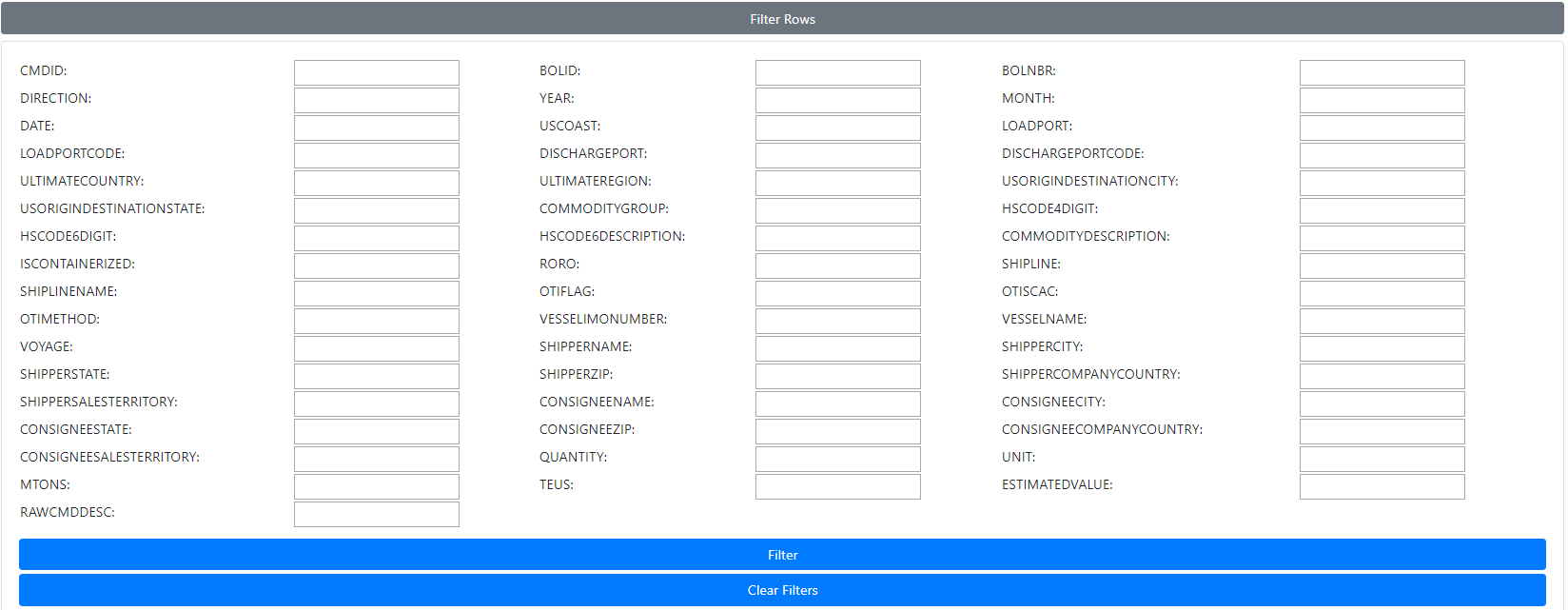
This tab will allow the user to filter the table based on the fields typed in. Important to remember that || can be used to link two or more values in a specific field.
Example:
You can search for rows where USCOAST is either ‘GULF’ or ‘EAST’ by typing ‘GULF || EAST’ into the USCOAST Field. There is no limit to how many values you wish to link with ||; searching for rows where LOADPORT is ‘NEW YORK’ or ‘HONG KONG’ or ‘LOS ANGELES’ can be written as ‘NEW YORK || HONG KONG || LOS ANGELES’. Fields entered are not case sensitive however spaces are important; ‘New York’ is not the same as ‘NewYork’.
Once all values have been entered, ‘Filter’ Button will filter by the entered values and display the top 1000 rows matching those filters, however the complete dataset is still available through ‘Export This Table’ Button.
‘Clear Filter’ Button will clear all the filters and reload the original table containing all of the data.
¶ Export this Table, The Whole Shebang

While the filter button will only display the top 1000 rows matching the entered filters, ‘Export This Table’ will grab all of the rows matching the entered filters and export it to an excel workbook. If no filters are entered, the entire database will be exported to the excel workbook. Note that Excel has a hard limit of 1,048,576 rows, but an entire 48 months of data will contain roughly 1,700,000 rows. The workbook will still be exported and downloaded however Excel will not allow the user to open an excel sheet with over the maximum amount of rows.
¶ Reports Screen
TBD
¶ Important Notes
If you have any questions or issues to report regarding the Toolbox Module, please submit a help desk ticket with “Toolbox Module Help/Bug” in the subject line.