¶ Agent Search
¶ Features
On this page, users will be able to search for a preferred agent based off of the port the user searches for.
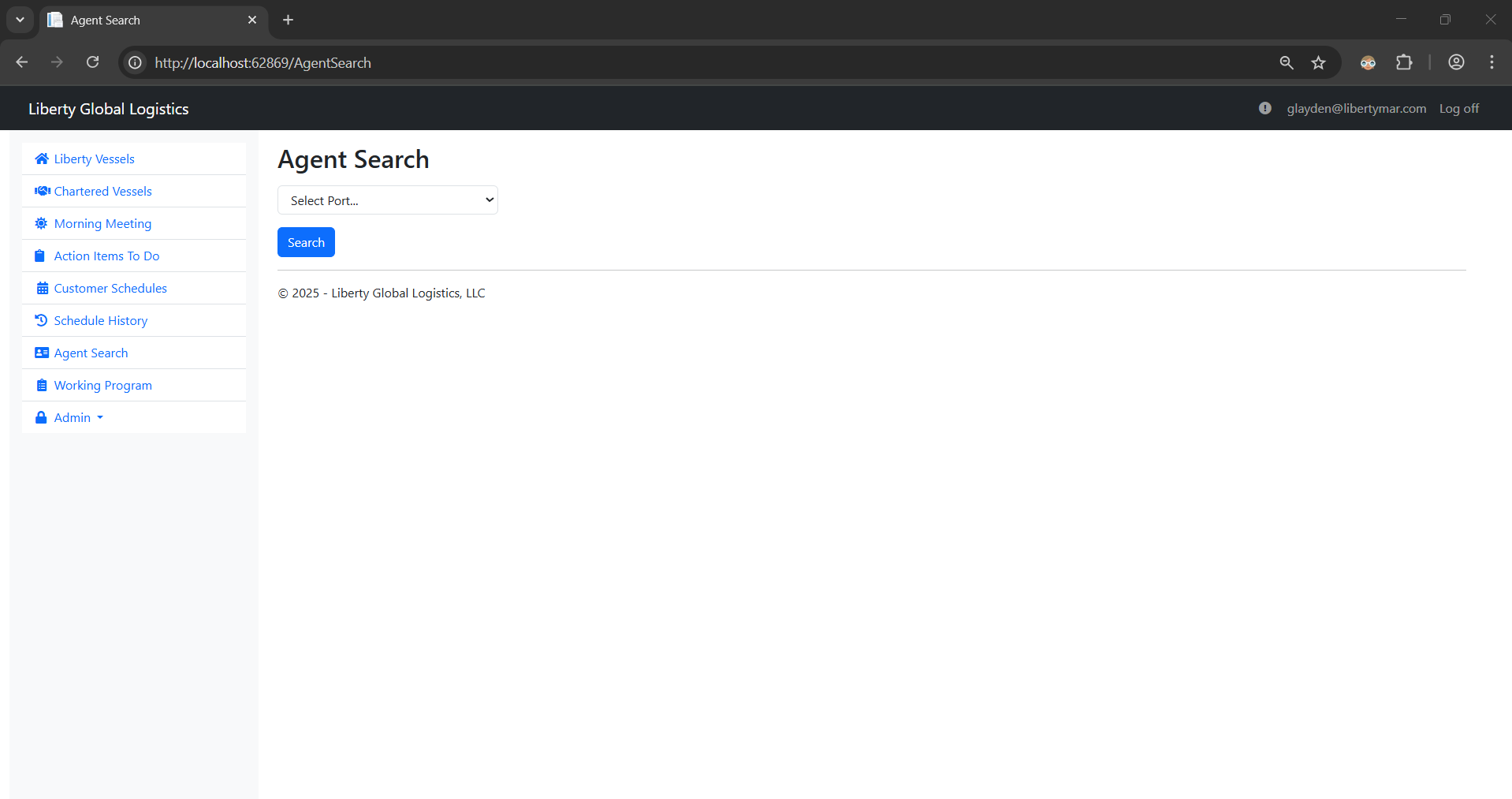
The user can select a port that they want the preferred agent info for, and when they click the Search button a table will appear with all of the preferred agent's information.
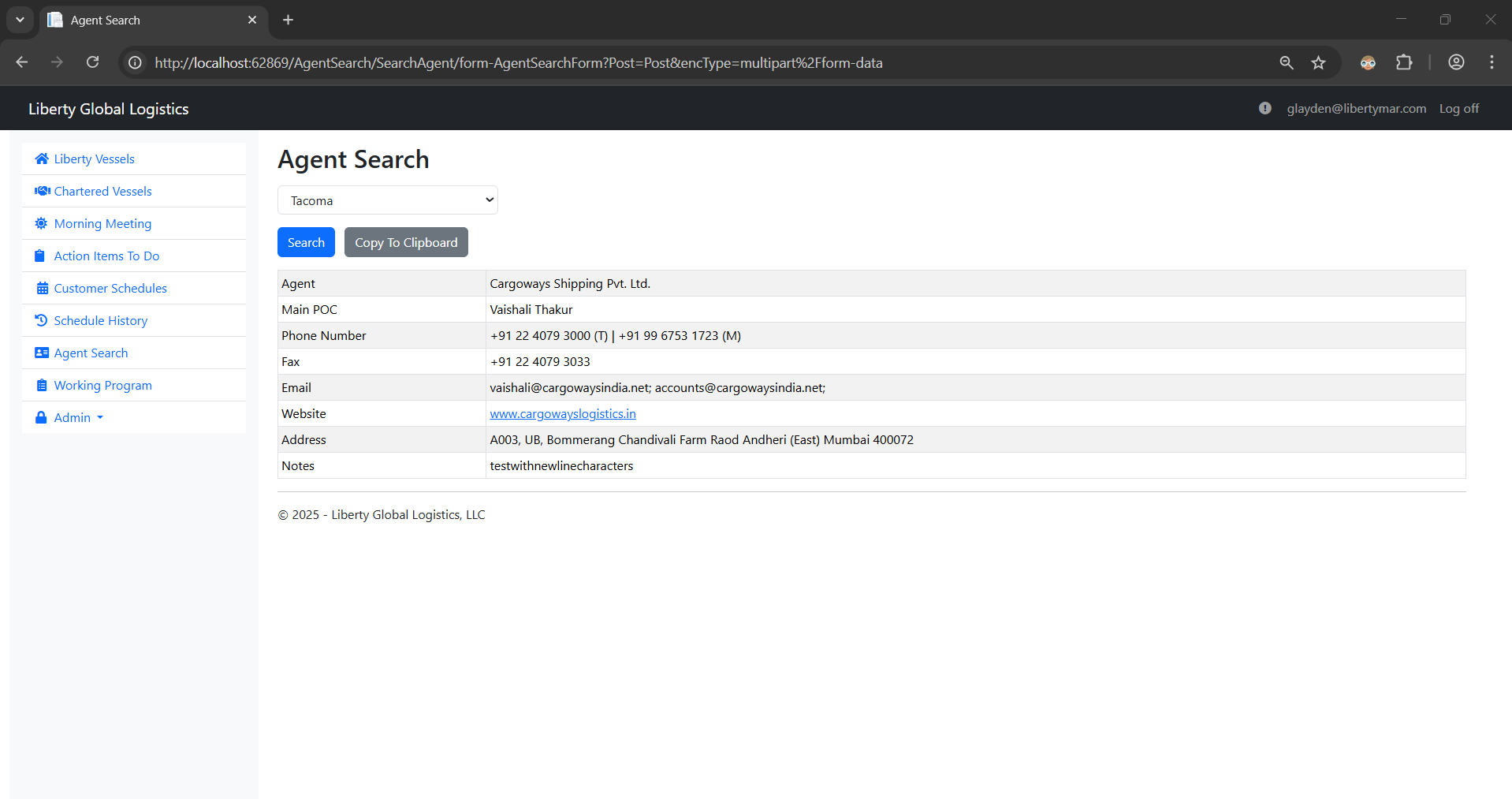
- Note: If there is a website for the preferred agent, a user can click on the link to be navigated to that website.
Additionally, a ‘Copy To Clipboard’ button is displayed when a preferred agent is found, which when clicked will copy all of the agent's information into your clipboard.
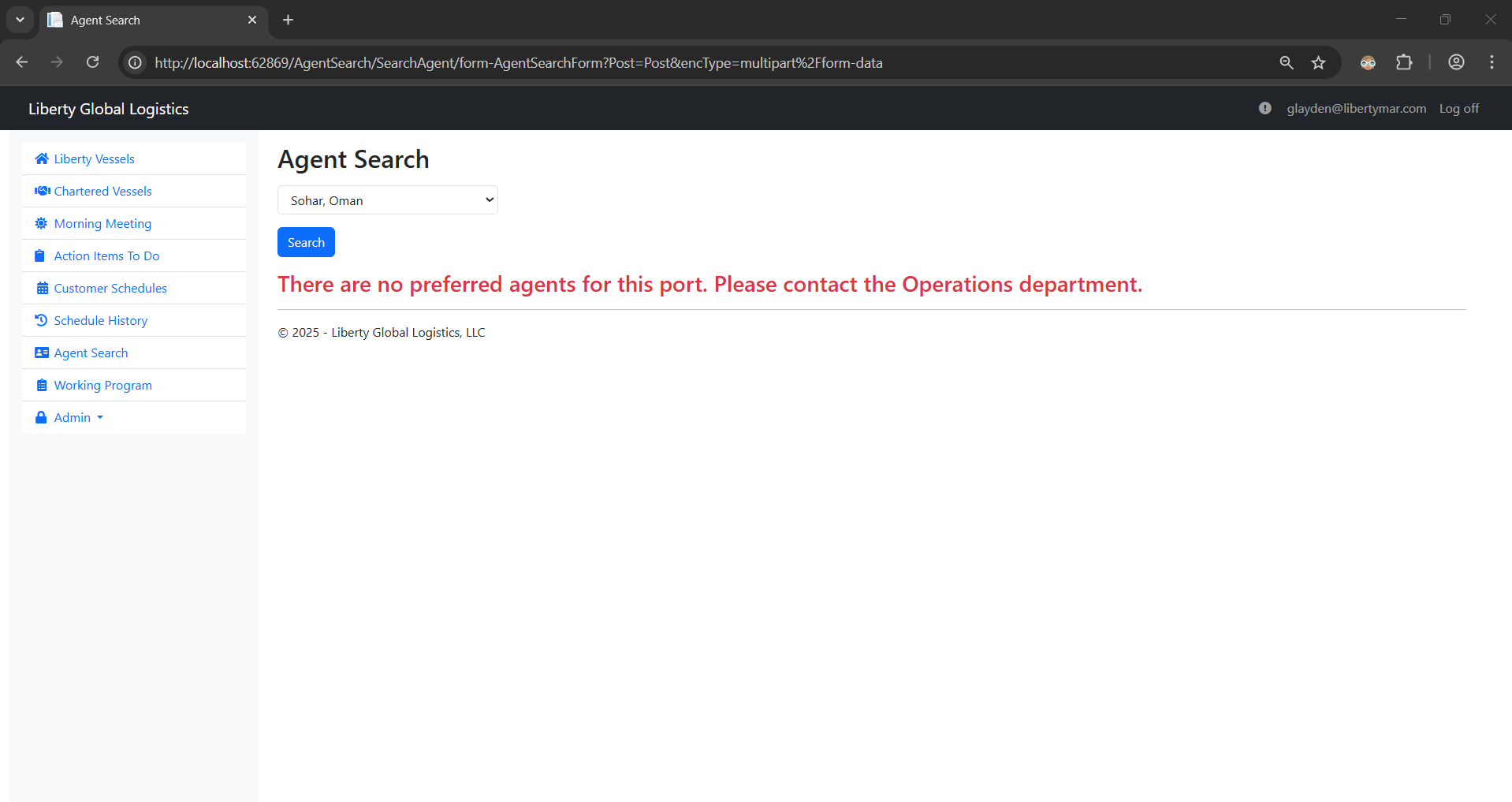
If there is no preferred agent found for the searched port, a message will be displayed saying that there's no preferred agent for that port and that if you need any additional info for that port, contact the Operations department.