¶ Chartered Vessels
¶ Non-Logged In Features
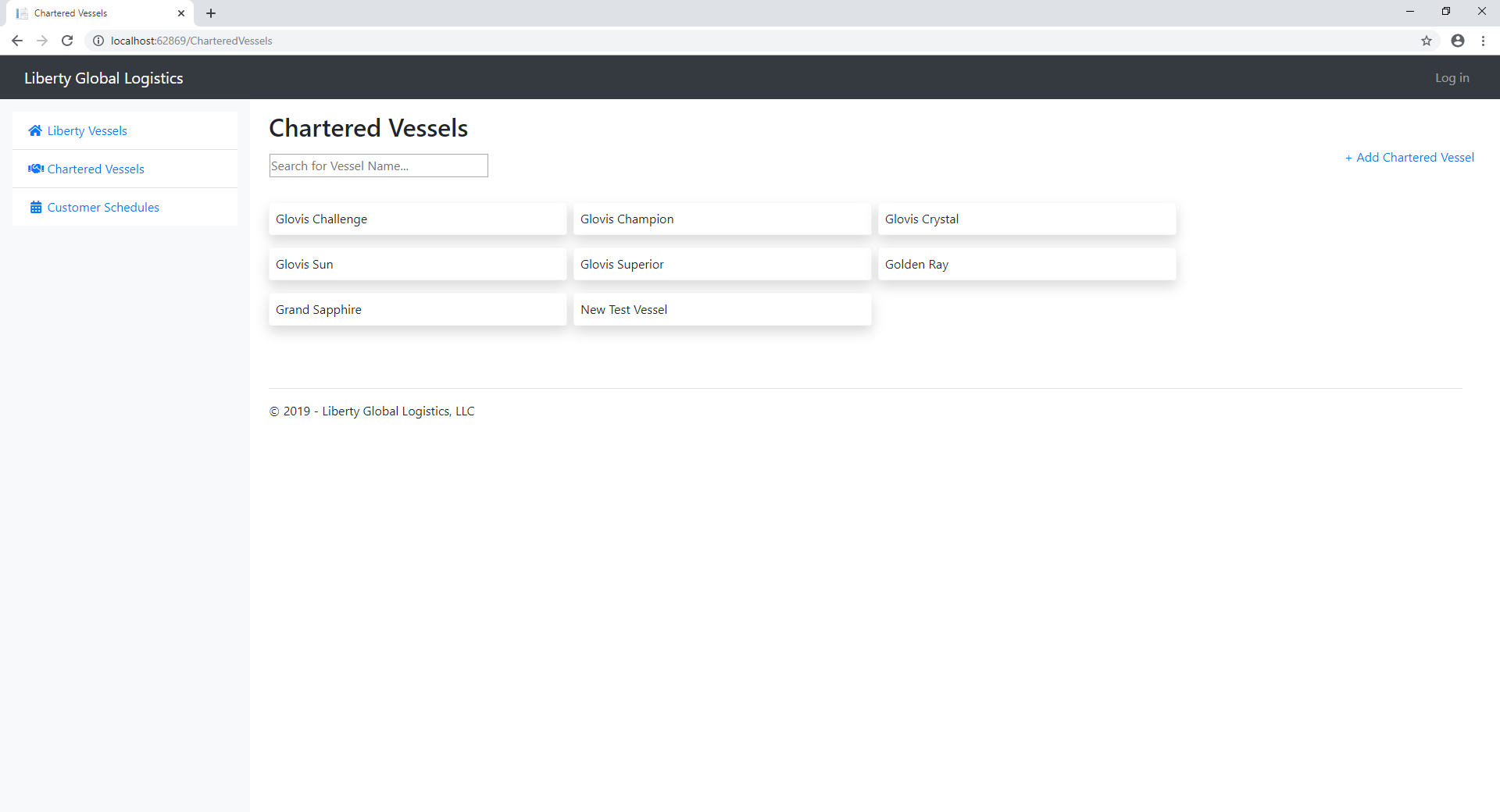
On this page the user will be able to view the schedules for any vessel that has been chartered in the system.
This will show the arrival date and port information for each port call the vessel is currently scheduled to stop at.
A non-logged in user cannot edit any of this information, however they can export the information to excel or copy and paste the information directly from the page to more easily utilize the data.
The list of vessels can easily be searched by typing the name of the vessel into the search bar under the page header.
¶ Logged In Features
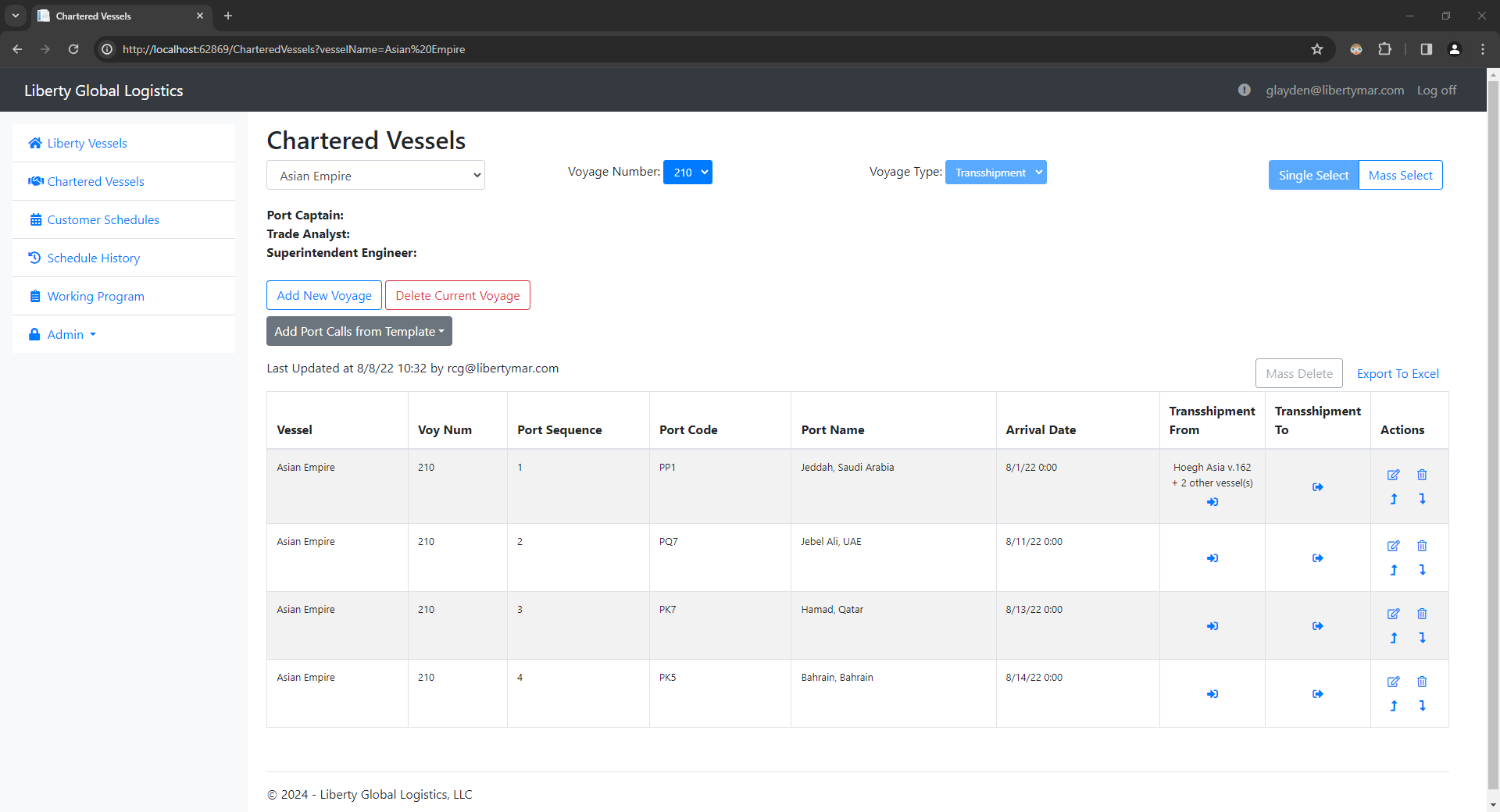
A logged in user will have the same read functionality as a logged-out user but will also be able to add port calls, change order of port call, edit information on any port call and delete port calls. The user will also be able to add a full rotation template or a specific voyage template to the end of the current schedule.
Chartered Vessels differ from Liberty Vessels as voyages are separated from each other on these vessels. Each voyage can either be a space-chartered voyage or a time-chartered voyage. Time-chartered voyages work exactly the same as the liberty vessel voyages. Space-charters are slightly different, they only require a port and an arrival date.
Time-chartered voyages don’t carry over the arrival date from the previous port call making it easier to update individual arrival times. However, this then allows for dates to be wrong more easily. To try to prevent errors, if the arrival date of a following port call is equal to or earlier then a port call, the future port call will be highlighted in red text.