¶ Position List
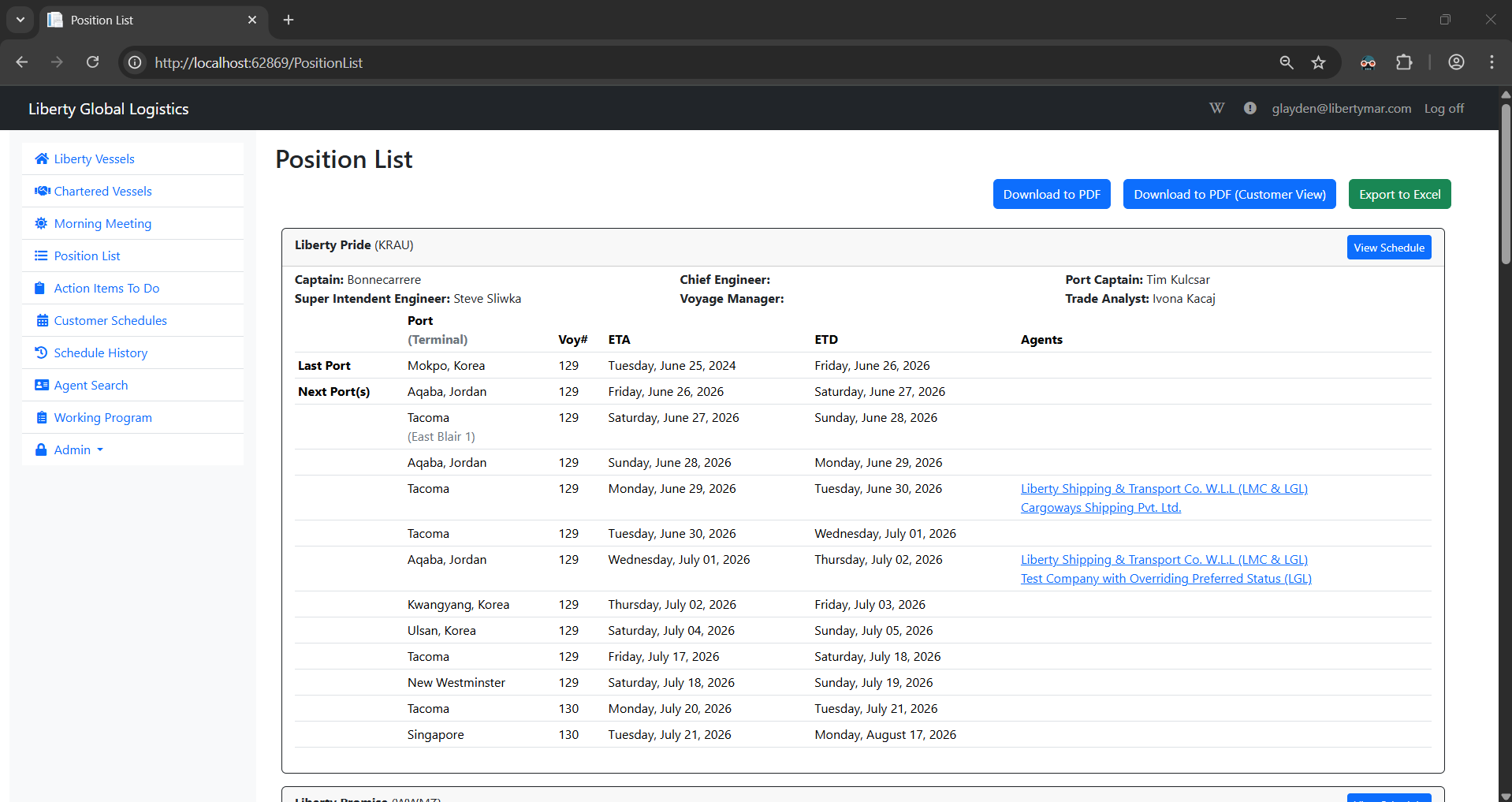
On this page, you will be able to view and download the Position List, which holds the most up-to-date schedules for each active vessel*.
- An active vessel is a vessel that is currently out on a port call
¶ Download to PDF
Clicking on the ‘Download to PDF’ button will download the current Position List as a pdf.
¶ Download to PDF (Customer View)
Clicking on the ‘Download to PDF (Customer View) button will download the current Position List as a pdf, but the pdf will remove each vessel’s personnel info, the ‘View Schedule’ link, and the links for each Agent (Agents are still included in the position list)
¶ Export to Excel
Clicking on the ‘Export to Excel’ button will download the current Position List onto an excel spreadsheet.
¶ View Schedule
Clicking on the ‘View Schedule’ button will navigate you to the selected vessel's schedule page. For more details on that page, see either Liberty Vessels or Chartered Vessels, depending on the type of vessel you're viewing the schedule for.
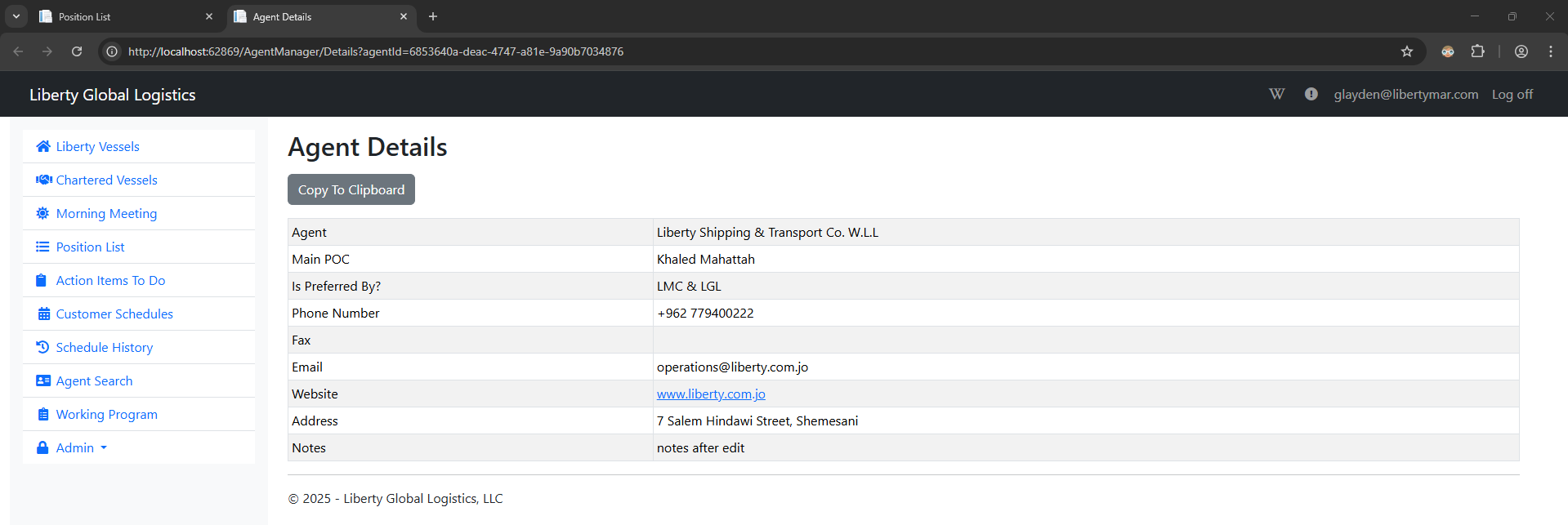
¶ Agent Details
If any port call has Agents assigned to it, they will appear as a link on the Position List. Clicking this link will navigate you to the Agent Details page, which shows you all of the selected agent's details, such as their email, website, phone number, etc.